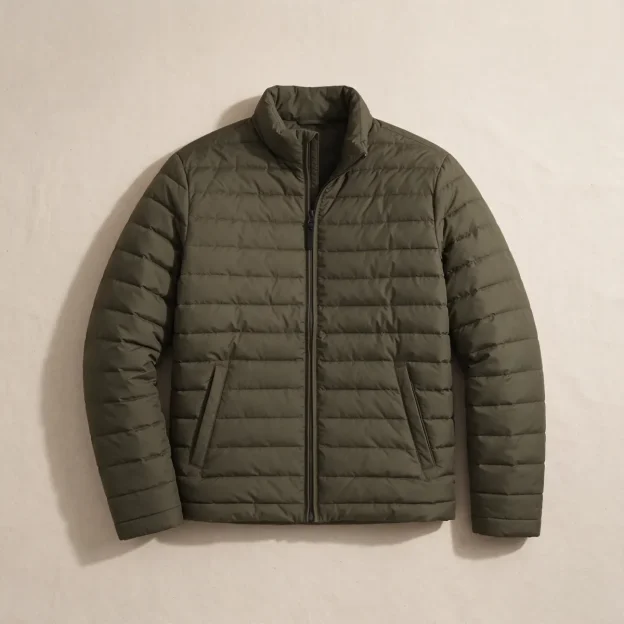
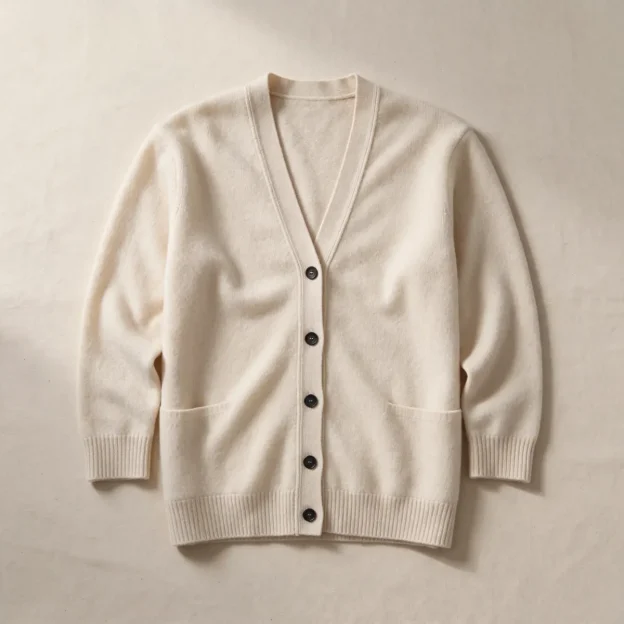
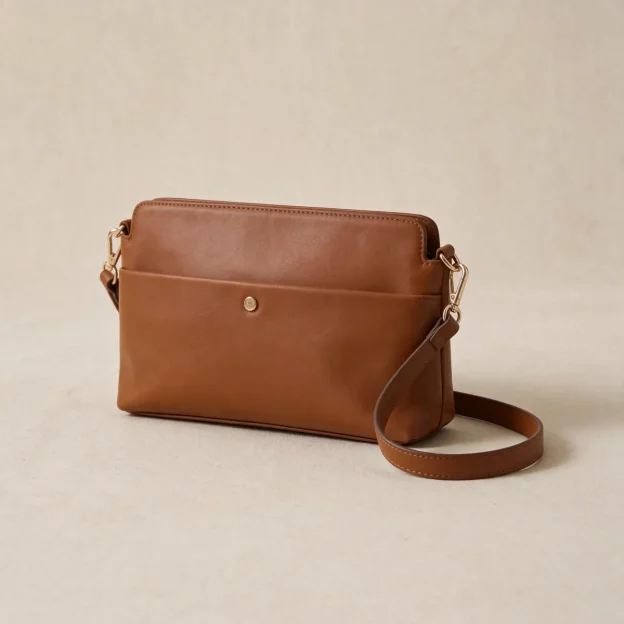
Shoppers collect points on every order, and on a few things that are not orders, then spend them as a discount in the cart.
Ways to earn
Every rule the store has switched on, as the plugin lists it for shoppers. Change the rules in the demo bar and this list follows.
| Earn 2 points for every $1 spent |
| Earn 200 points for signing up |
| Earn 300 points for reviewing a product |
| Earn 500 points for placing your first order |
| Earn 2000 points when your total spending reaches $1,000 |
| Earn 300 points on your birthday |
Your points
A signed-in shopper sees their balance here and under My account.
You have 0 points
Where shoppers see points
Points show up on the way to checkout, not only on this page.
Shop
A badge on each product photo says how many points it earns.
Open the shopProduct page
Above Add to cart, the points this product earns.
Open the Wool ScarfCart
Points to spend as a discount, and what the order will earn.
Open the cartMy account
The balance and every points change, under My points.
Open My account