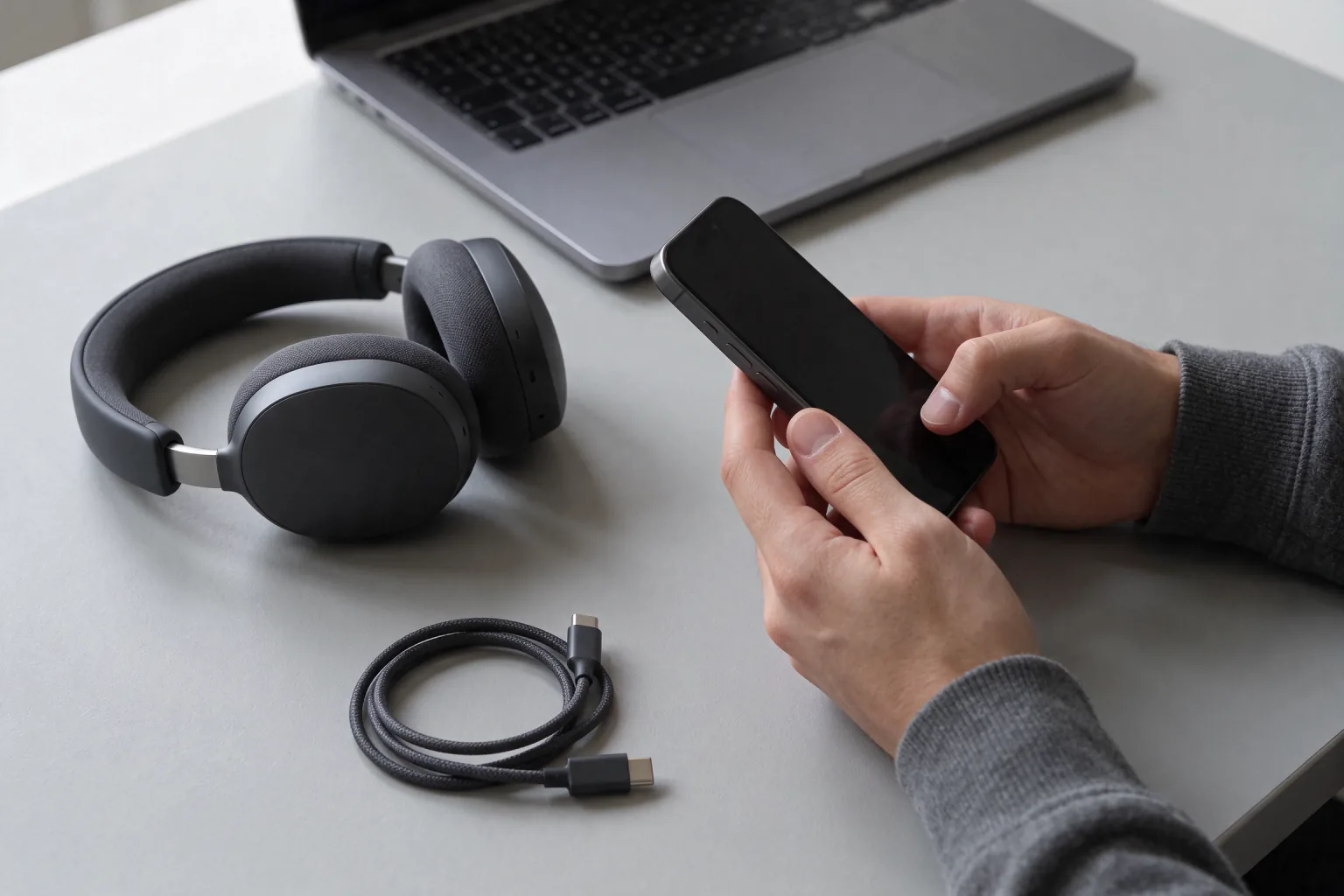
Aria remembers the devices it has paired with, so you only do this once. Allow ten minutes, most of it the first charge.
Before you start
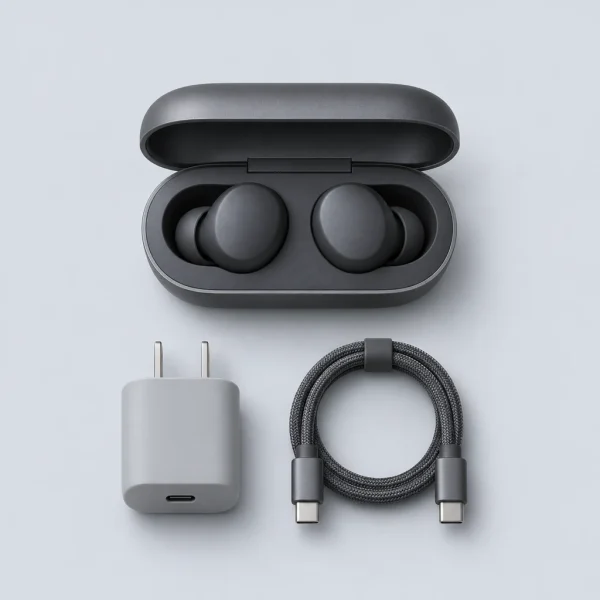
- Aria Wireless and its braided USB-C cable
- Any USB-C charger, or a USB-C port on your computer
- Bluetooth switched on for both devices
Steps
- Charge Aria over USB-C until the light turns solid.
- Hold the power button for three seconds, until the light flashes. Aria is now in pairing mode.
- On the laptop, open the Bluetooth settings and choose Aria from the list.
- Hold the power button for three seconds again to return to pairing mode, then choose Aria on the phone.
- Play something on either device. Aria plays from the one you used last.
If it does not appear
Turn Bluetooth off and on, remove Aria from the device’s list, and start again from step two. Still stuck? Write to us from the support page.