Set it up once, properly
Short, plain guides for the things people ask us most: pairing, charging and a tidy desk.
Step-by-step guides

Which charger for which device
What each Tonvik product draws, and the smallest Block that charges it at full speed.
| Device | Charges over | Smallest Block | Notes |
|---|---|---|---|
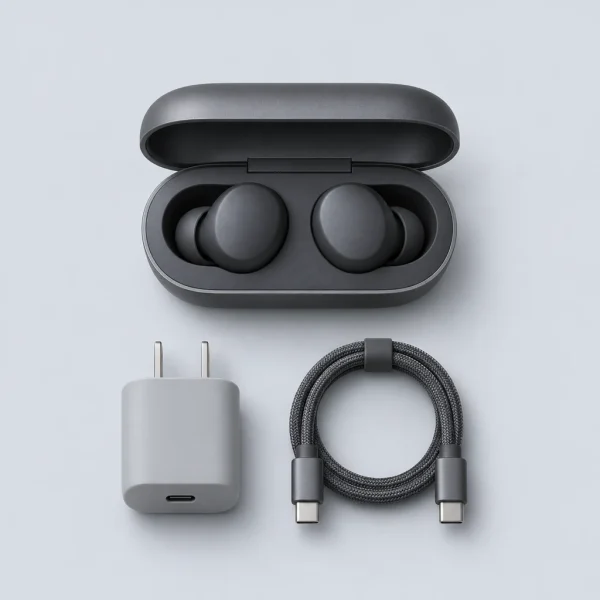
| Pebble, Halo Mini, Halo | USB-C | Block 30 | Pebble’s case also charges on any wireless pad |
| Aria, Commute | USB-C | Block 30 | Aria plays over the same cable while it charges |
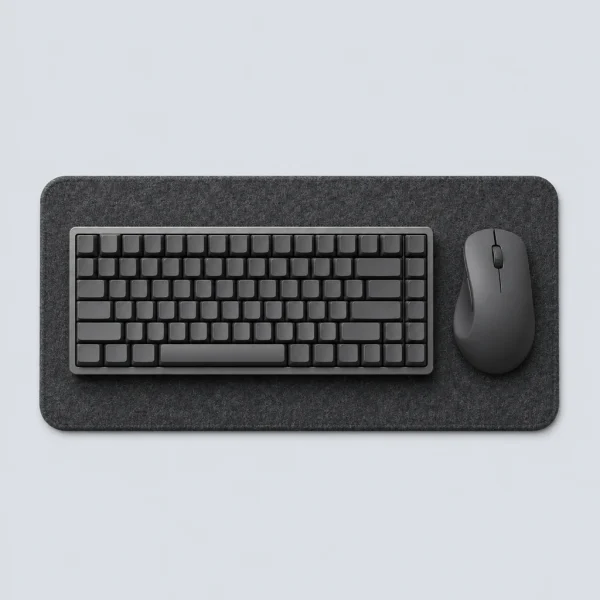
| Keel 75, Keel Low, Glide | USB-C | Block 30 | Or any USB port on your computer |
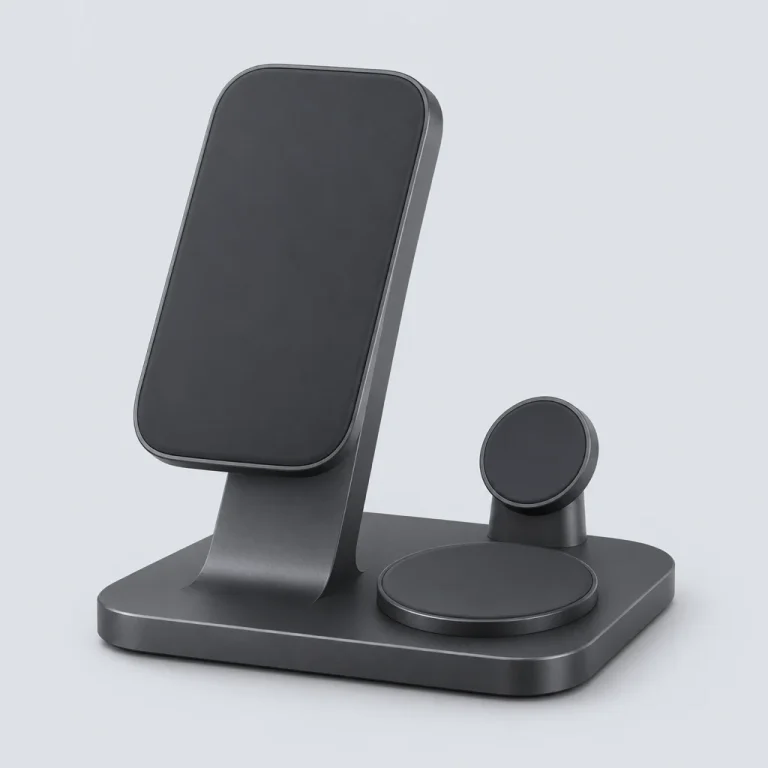
| Dock 3-in-1 stand | USB-C | Block 30 | Phone pad up to 15 W |
| Cell 20,000 mAh | USB-C | Block 65 | Charges a laptop at 45 W in return |
| 13- to 14-inch laptop | USB-C | Block 65 | Most draw 45 to 65 W |
| Larger laptop | USB-C | Block 100 | Up to 100 W from one port |
Stuck on a step?
Tell us what you are setting up and what happens, and a person will walk you through it.