Setup, support and warranty
Most questions are answered here in a minute. If yours is not, write to us and a person will reply within a working day.
Where to start
Getting started
Charging and pairing, in the order they happen. Step-by-step guides live in the journal.
Troubleshooting
Pairing, sound and charging problems, and the fixes that usually work.
Warranty and repairs
Two years on everything we make, what that covers and how to send something in.
Set up in four steps
For Aria, Commute, Pebble and Halo. Allow ten minutes, most of it charging.
1
Charge
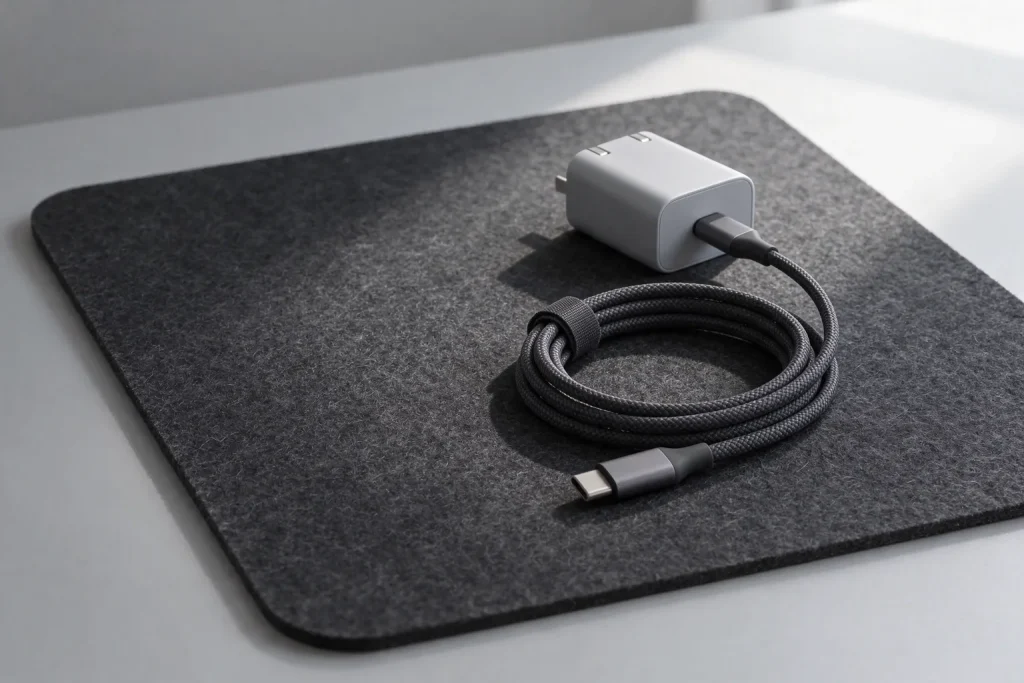
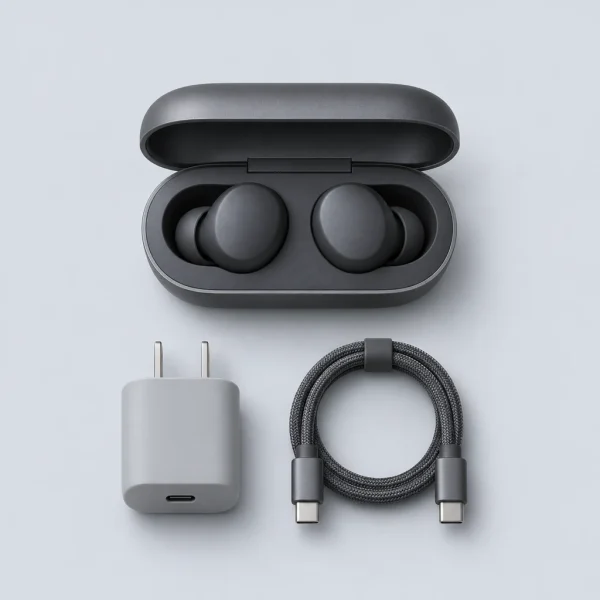
Charge fully over USB-C before first use; the light turns solid when it is done.
2
Pair
Hold the power button for three seconds until the light flashes to enter pairing mode.
3
Connect
Choose it in your phone or computer’s Bluetooth settings. It remembers the device next time.
4
Fit
Slide the band until the cushions sit evenly, or place a speaker away from walls for a fuller sound.
What the warranty covers
Two years against faults in materials and workmanship, on everything we make. Cushions, tips and cables are also sold as spare parts.
| Covered | Not covered | |
|---|---|---|
| Faults | Defects in materials and workmanship | Accidental damage, and wear such as cushion fabric |
| Battery | A battery that fails within two years | Holding a little less charge after normal use |
| Repairs | Repair or replacement, and a prepaid US label | Products opened or repaired by someone else |
Good questions
Anything else? Write to us and a person will answer within a working day.
It will not pair. What now?
Turn Bluetooth off and on, remove the device from your phone’s list, then hold the power button for three seconds to start pairing again.
Which charger does it need?
Any USB-C charger works. Headphones and speakers charge from a phone charger; laptops need 45 to 100 W, which is what Block 65 and Block 100 are for.
Can I buy spare parts?
Ear cushions, ear tips and cables are sold as spare parts. Email us with the product name and we will send a link.
How do I claim the warranty?
Email us with your order number and a short description of the fault. We will repair or replace it, and send a prepaid label for US returns.
Talk to a person
Write to us with your order number and we will reply within a working day.